Part of the Marketing Attribution Guide
Marketing Attribution: Models, Measurement & Revenue Impact →HubSpot Attribution vs. Dedicated Attribution Tools: What $50k in Annual Spend Taught Us
HubSpot attribution is good enough that most teams never look further. Here is what two years of HubSpot-only attribution data missed and what we found when we compared it to a dedicated tool.
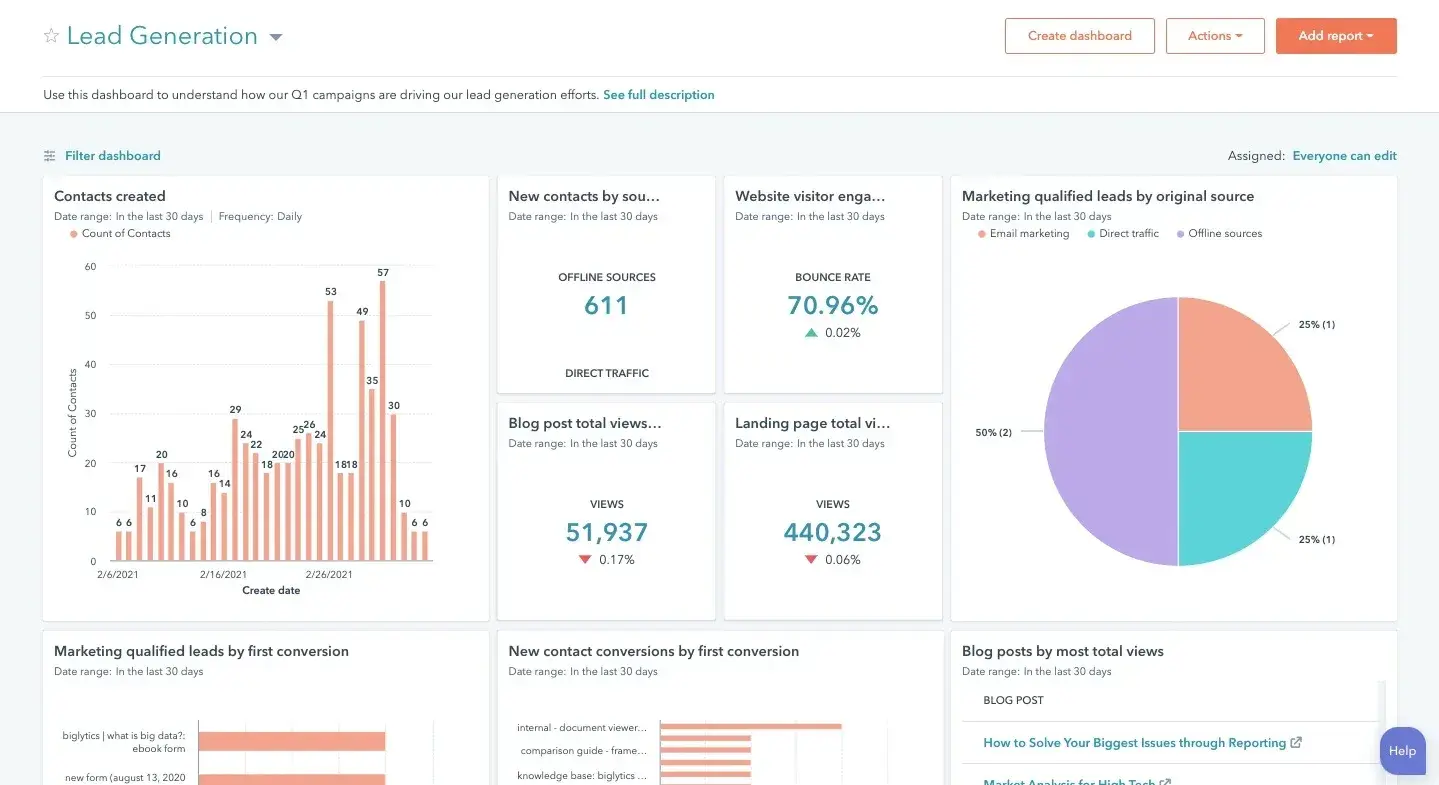
HubSpot's built-in attribution reporting is good enough that most marketing teams never seriously evaluate anything else. It connects to your CRM, it shows contact-level touchpoints, and it has multiple attribution models available in a single interface. When you are already paying for HubSpot, adding a dedicated attribution tool feels like paying twice for the same thing.
We spent two years in that camp. Then we started looking at what HubSpot attribution was actually telling us, comparing it to what we knew was true from first-hand deal reviews, and the gaps became impossible to ignore. This is an honest account of what HubSpot attribution does well, where it breaks down, and what it cost us before we made a change.
What HubSpot Attribution Does Well

Before getting into the limitations, credit where it is due. HubSpot attribution has real strengths that should not be dismissed, especially for teams in the early stages of attribution maturity.
Native CRM Integration
The most significant advantage of HubSpot attribution is that it lives in the same system as your CRM data. Contact touchpoints are connected to deals without any additional configuration. You can look at any deal in your pipeline and see the marketing interactions that occurred before and during the sales cycle, all in one place. That level of integration takes months to build with external tools.
Easy Onboarding for the Marketing Team
HubSpot's attribution reports are built for marketers, not analysts. The interface is accessible to someone who is not a data specialist, and the reports are pre-built rather than requiring custom configuration. For teams without dedicated marketing analysts, this accessibility is a meaningful advantage.
Multiple Attribution Models in One View
HubSpot includes linear, U-shaped, W-shaped, full-path, time-decay, and single-touch models in the same interface. You can flip between models and compare how credit shifts across your team's activities without any additional tools. For most teams, this is more attribution model sophistication than they know what to do with.
Where HubSpot Attribution Breaks Down

The limitations of HubSpot attribution are structural. They are not bugs that will be fixed in the next product update. They reflect fundamental constraints in how the tool is designed and what data it can access.
It Only Sees HubSpot Touchpoints
HubSpot attribution tracks interactions that happen within HubSpot or that are explicitly connected to HubSpot through integrations. Email sent through HubSpot, forms built in HubSpot, ads connected through the HubSpot ads tool, website pages tracked by the HubSpot tracking code. If a touchpoint happens outside of those channels, HubSpot cannot attribute it.
This is a larger blind spot than it sounds. Organic social interactions not captured in HubSpot. Offline events and conversations. Referrals from partner channels. Direct traffic that HubSpot cannot resolve to a known contact. Community-driven touchpoints. For B2B teams where a significant portion of pipeline comes from sources outside HubSpot's view, the attribution model is systematically incomplete.
Cross-Device and Anonymous Journey Gaps
HubSpot's contact-level attribution requires a known contact identity to work. Any anonymous touchpoints that occurred before a visitor submitted a form or clicked a tracked email are invisible to the model. If a buyer spent three weeks reading your blog before submitting a contact form, none of those pre-conversion sessions are attributed to the channels that drove them.
Similarly, if a buyer switches devices between sessions, HubSpot typically treats those as separate contacts until a merge event occurs. Cross-device behavior, which is common in B2B buying where buyers use work computers, personal devices, and mobile interchangeably, creates fragmented journey data that attribution models cannot stitch together reliably.
Limited Revenue Integration
HubSpot deals have a close date and a deal amount, but connecting those deal amounts to actual recognized revenue, accounting for expansions, cancellations, and renewals, requires custom configuration that most teams do not build. For SaaS companies where the lifetime value of a customer is very different from the initial deal size, HubSpot attribution systematically underweights channels that drive high-LTV customers versus those that drive high-volume closes.
Account-Level Attribution Is Difficult
In B2B sales, buying decisions involve multiple contacts at the same company. The VP of Marketing, the CMO, the IT lead, and the CFO may all interact with different marketing touchpoints before a deal closes. HubSpot's attribution is primarily contact-level. While it does have some account-level reporting, it is not designed for sophisticated multi-stakeholder attribution analysis. Dedicated marketing attribution software built for B2B typically handles account-level journeys natively.
What $50k in Annual Spend Taught Us
We ran HubSpot attribution as our primary measurement framework for two years. Here is what we found when we did a systematic comparison between our HubSpot attribution data and actual deal reviews.
In deal reviews, the most common theme from sales was that prospects mentioned consuming content they found through LinkedIn organic posts, Slack communities, and industry newsletters before they ever submitted a form. None of these touches appeared in HubSpot attribution. By the time these buyers submitted a demo request, they were already highly qualified because of marketing they had consumed through channels HubSpot could not see.
Our HubSpot attribution gave heavy credit to the demo request page itself and to any email sequences that followed. The actual demand generation happened outside HubSpot's view. We were optimizing our content calendar based on attribution data that attributed zero value to the content that was driving the most informed, highest-converting leads.
When we added a simple how-did-you-first-hear-about-us field to our demo form, the self-reported responses looked nothing like our HubSpot attribution data. LinkedIn organic and peer referrals together accounted for over 40% of first-touch mentions. HubSpot had attributed less than 5% of conversions to those channels because it could not track the touchpoints that happened outside its ecosystem.
Side-by-Side Comparison
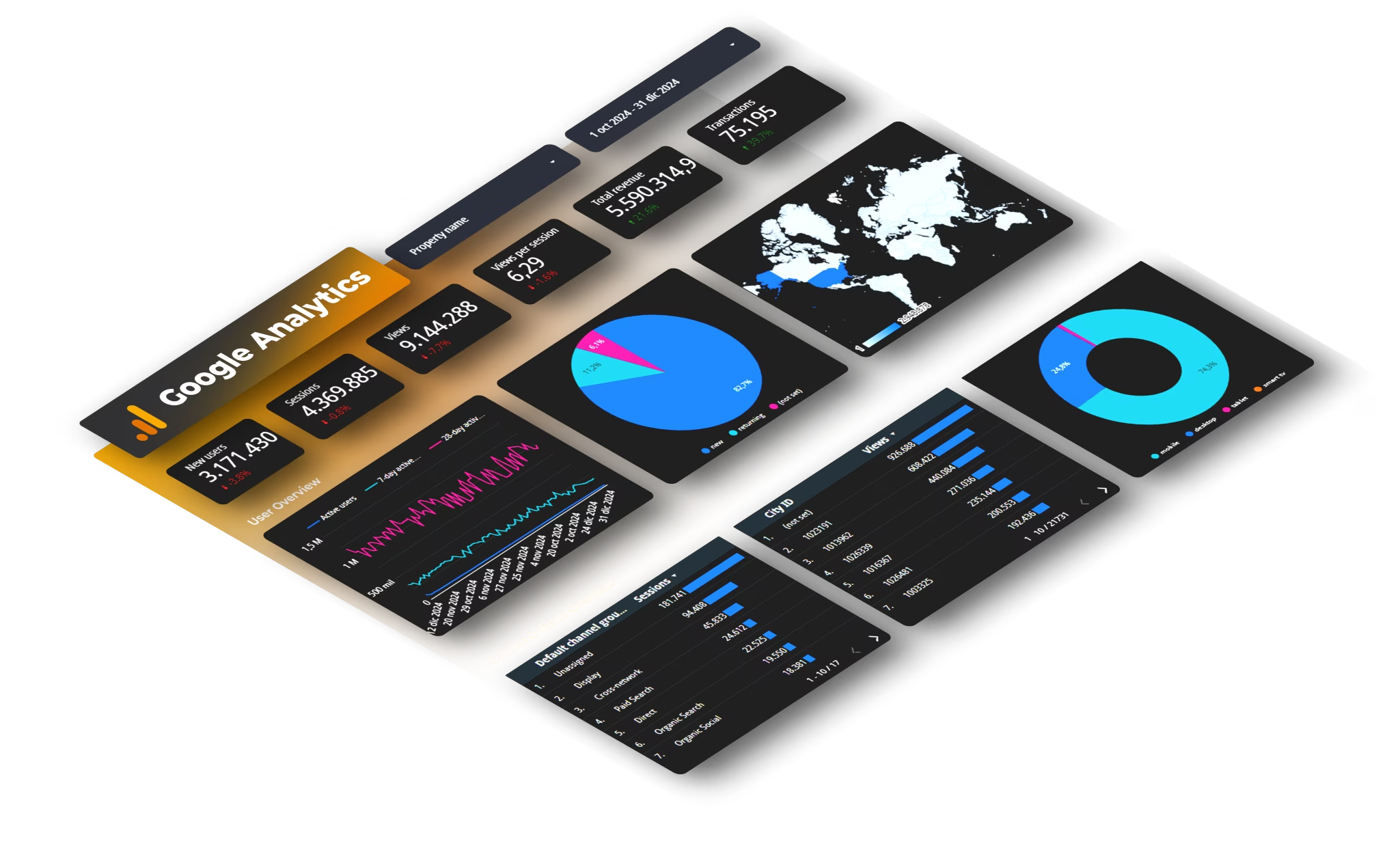
The comparison is not as simple as dedicated tools are better. HubSpot attribution is the right choice for some teams and the wrong choice for others. Here is a direct comparison on the dimensions that matter most.
Data coverage: HubSpot sees only HubSpot touchpoints. Dedicated multi-touch attribution tools integrate data from ad platforms, CRM, email tools, website analytics, and often self-reported data in a unified model.
Account-level analysis: HubSpot is primarily contact-centric. Dedicated B2B attribution tools are built for account-level journeys with multiple stakeholders.
Revenue integration: HubSpot connects to deal amounts. Dedicated tools often connect to revenue recognition data, allowing attribution tied to recognized revenue rather than deal value.
Setup complexity: HubSpot requires almost no setup if you are already using it. Dedicated tools require data integrations, potentially a data warehouse, and ongoing maintenance.
Cost: HubSpot attribution is included in Marketing Hub. Dedicated attribution software typically costs $20,000 to $80,000 per year for mid-market teams.
Model sophistication: Both offer similar attribution model libraries. The difference is in the data those models can access, not the models themselves.
Who Should Stick with HubSpot Attribution
HubSpot attribution is the right primary tool if most of the following are true for your team: you generate the majority of your pipeline through inbound channels that are natively tracked in HubSpot; your buyers are single contacts rather than buying committees; your sales cycle is under 60 days; and you do not have a dedicated marketing analyst who would use more granular attribution data to make optimization decisions.
For these teams, the added complexity and cost of a dedicated attribution tool is not justified by the marginal improvement in measurement quality. The priority should be making HubSpot attribution as clean as possible by ensuring consistent UTM tagging, complete form tracking, and proper deal-contact associations, before layering in more sophisticated tools.
Who Should Move to Dedicated Attribution Tools
Dedicated attribution software makes sense when any of the following apply: a significant portion of your pipeline comes from channels outside HubSpot's view; you have multi-stakeholder buying committees where account-level journey analysis matters; your marketing budget is large enough that better channel-level data would change material budget decisions; or you are trying to connect marketing activity to revenue in a way that satisfies financial reporting requirements.
The ROI question is practical: if better attribution data would change budget decisions that total more than the cost of the tool, the switch is worth it. For a team spending $2 million per year on marketing, improving attribution quality enough to reallocate 10% of spend to better-performing channels represents $200,000 in efficiency gains. Most dedicated tools cost a fraction of that.
How to Make the Transition
The transition from HubSpot-only attribution to a dedicated tool does not have to be disruptive. The most practical approach is to run both in parallel for one quarter before changing any reporting or budget decisions.
During the parallel period, compare the two data sets systematically. Which channels look significantly different between the two models? Which deals show substantially different attribution paths? The discrepancies tell you where HubSpot's blind spots are most significant for your specific business.
Once you have identified the gaps, you can make a data-informed decision about whether the dedicated tool justifies its cost for your team. In many cases, the parallel analysis alone, even before a full tool switch, surfaces enough insights to change how you think about budget allocation and channel investment.
The goal is not to have the most sophisticated attribution stack. The goal is to have attribution data that is complete enough to make better decisions than you would make without it. For some teams, HubSpot gets you there. For others, the gaps are too large to ignore. Knowing which camp you are in is the first step, and running that comparison honestly is the only way to find out.
Our attribution modeling platform lets teams run their historical data through multiple models side by side, including models that incorporate data sources outside HubSpot, so you can see the comparison before committing to a tool change.
Key Takeaways
- HubSpot attribution integrates well with CRM data for easy access to touchpoints.
- The interface is user-friendly for marketers without data analysis expertise.
- HubSpot attribution has multiple models available for comparison in one view.
- Limitations include blind spots for touchpoints outside HubSpot's ecosystem.
Frequently Asked Questions
- What are the strengths of HubSpot attribution?
- HubSpot attribution offers native CRM integration, easy onboarding for marketers, and multiple attribution models in one interface.
- What are the main limitations of HubSpot attribution?
- HubSpot attribution only tracks interactions within its platform, missing touchpoints from other channels and anonymous journeys.
- How does HubSpot handle cross-device tracking?
- HubSpot treats sessions from different devices as separate contacts until a merge event occurs, leading to fragmented data.
- Is revenue integration straightforward in HubSpot?
- Connecting deal amounts to recognized revenue requires custom configuration, which many teams do not implement.
See Where Your Business Stands in Search
Get a free site audit. We identify what is holding you back and what to fix first.
Related Resources
Explore more insights to enhance your digital marketing strategy
Revenue Attribution Platform
Connect every marketing dollar to closed revenue. Multi-touch attribution, incrementality testing, and board-ready reporting in one place.
Revenue Attribution: Models, Measurement & Revenue
Every attribution model explained — from first-touch to data-driven — with a framework for choosing the right one for your pipeline.
See It Run on Your Pipeline
Book a demo and see the unified measurement framework applied to your own revenue data. No slide decks — just your numbers.