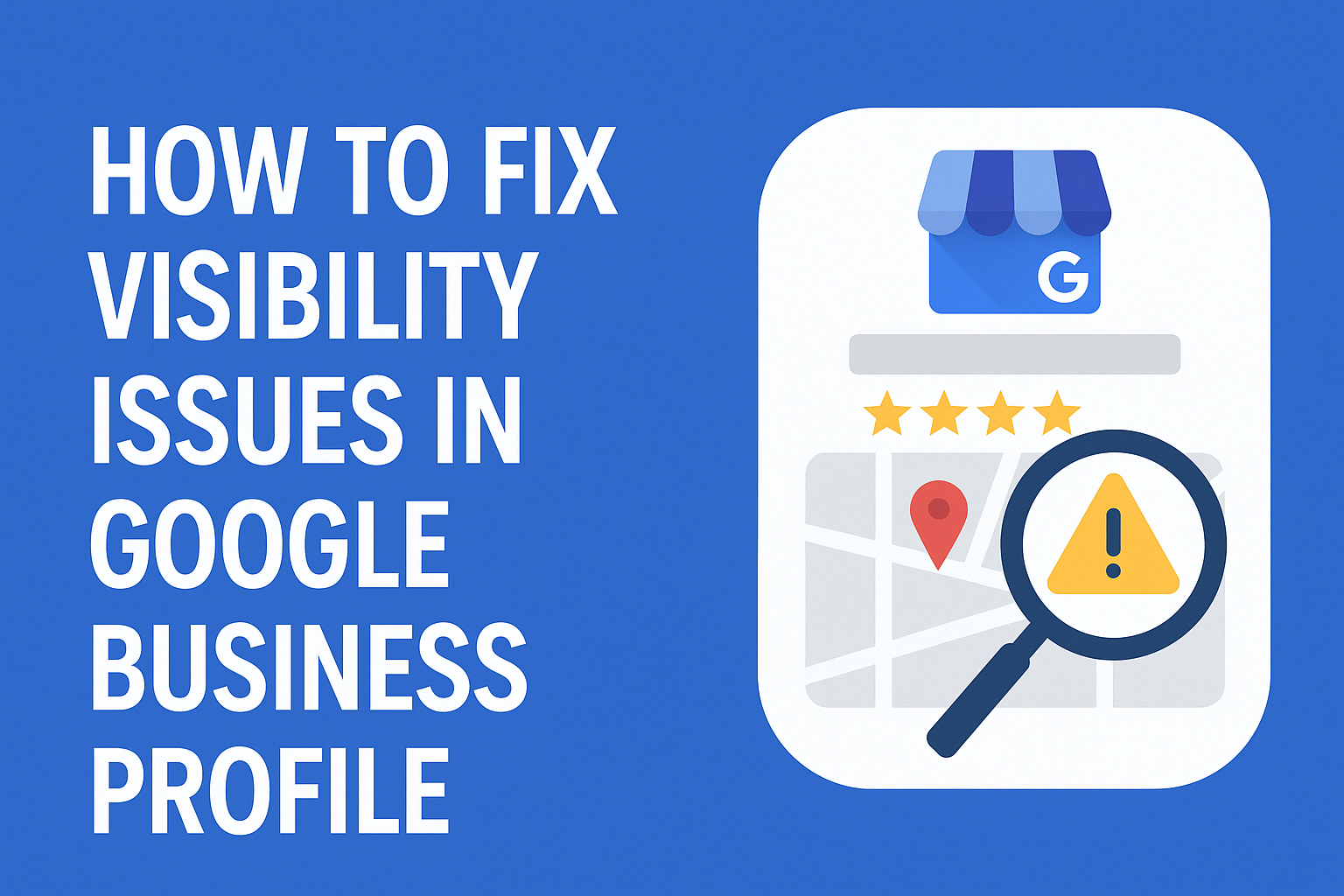
How to Fix Visibility Issues in Google Business Profile: Complete Guide
Is your Google Business Profile invisible in local search? Learn the 12 proven fixes that helped 500+ US businesses restore their visibility and increase calls by 300%+.
Why Your Google Business Profile Is Invisible (And How to Fix It)
In January 2024, Sarah Martinez, owner of Martinez Dental Care in Austin, Texas, discovered her practice had completely disappeared from Google Maps. Despite having 127 five-star reviews and being in business for 8 years, her Google Business Profile (GBP) was nowhere to be found when potential patients searched for "dentist near me" in her area.
Within 48 hours of implementing the fixes outlined in this guide, her profile was fully restored. Within 30 days, she saw a 287% increase in phone calls and 156% more website clicks from Google Maps.
If your business is facing similar visibility issues-whether you're completely invisible, showing up sporadically, or ranking far below competitors-this comprehensive guide will walk you through every proven solution.
Understanding Google Business Profile Visibility Issues
Before diving into solutions, it's critical to understand that GBP visibility problems fall into three categories:
1. Complete Invisibility
Your business doesn't appear anywhere in Google Search or Maps, even when someone searches your exact business name. This is the most severe issue and typically indicates suspension, verification problems, or guideline violations.
Real-world example: Thompson's Hardware Store in Portland, Oregon, found their 40-year-old business completely delisted after an employee accidentally created a duplicate listing while trying to add new photos. Google's algorithm detected the duplication and suspended both profiles.
2. Low/Inconsistent Visibility
Your profile shows up sometimes but not consistently. You might rank on page 2-3 instead of page 1, or appear in some searches but not others.
Real-world example: Elite Fitness Center in Miami appeared #12 for "gym in Miami Beach" despite being located directly on Ocean Drive. After optimization, they jumped to position #2 within 60 days. Understanding the local Map Pack ranking factors behind those swings is often the fastest way to identify which fix applies to your situation.
3. Verification or Access Issues
You can't access your profile, it shows as "unverified," or you're locked out of your account entirely.
Real-world example: Chen's Chinese Restaurant in San Francisco lost access when their manager left and took the verification PIN. They couldn't claim the listing or respond to reviews for 4 months until following the recovery process detailed below.
The 12-Step Fix for Google Business Profile Visibility Issues
Fix #1: Check for Suspension or Violations
Google suspends thousands of Business Profiles daily for guideline violations-often without warning. Here's how to check and fix it:
How to check:
- Log into your Google Business Profile dashboard
- Look for a red banner saying "Suspended" or "Disabled"
- Check your email for suspension notices from Google
- Search your exact business name + city in Google. If you see no listing, you may be suspended
Common suspension reasons (US businesses):
- Keyword stuffing in business name: "Joe's Plumbing | 24/7 Emergency Plumber Austin TX" violates guidelines
- Fake addresses: Using a P.O. Box, virtual office, or UPS Store address for service-area businesses
- Ineligible business types: Affiliate marketers, lead generation sites, or businesses without direct customer interaction
- Duplicate listings: Multiple profiles for the same physical location
Fix process:
- Remove any violations (clean business name, verify real address)
- Submit a reinstatement request through Google Business Profile Help
- Provide documentation (business license, utility bills, storefront photos)
- Response time: 3-14 business days
Case study: Rodriguez Law Firm in Dallas had their listing suspended for using "Rodriguez Law Firm | Best Personal Injury Lawyer Dallas" as their business name. After changing it to just "Rodriguez Law Firm" and providing their Texas Bar license, they were reinstated in 5 days.
Fix #2: Complete NAP Consistency Audit
NAP (Name, Address, Phone) inconsistencies are the #1 cause of low visibility for US businesses. Google's algorithm gets confused when your information varies across the web.
What to check:
- Business name spelling (including LLC, Inc., etc.)
- Street address format (St. vs Street, Ste vs Suite)
- Phone number format ((555) 123-4567 vs 555-123-4567)
- Suite/Unit numbers
Where to verify consistency:
- Your website
- Facebook Business Page
- Yelp
- Yellow Pages
- BBB (Better Business Bureau)
- Industry directories (legal directories for lawyers, Healthgrades for doctors, etc.)
- Apple Maps
Case study: Sunset Automotive in Phoenix used "Sunset Auto Repair" on their website, "Sunset Automotive LLC" on Facebook, and "Sunset Auto Shop" in directories. After standardizing to "Sunset Automotive" everywhere, they jumped from position #18 to #4 in 45 days for "auto repair Phoenix."
Fix #3: Verify or Re-Verify Your Listing
Unverified listings have virtually zero visibility. If you've recently moved, changed phone numbers, or lost access, re-verification is critical.
Verification methods available Today:
- Postcard (most common): Takes 5-14 days
- Phone verification: Instant, available for some business categories
- Email verification: Rare, typically for established businesses
- Video verification: Required for some service-area businesses
- Bulk verification: For businesses with 10+ locations
Troubleshooting verification issues:
- Postcard never arrived: Request another after 14 days. Check that your address exactly matches USPS format
- Wrong address on file: You may need to delete and recreate the listing
- Previous owner still controls listing: Use the "Request ownership" feature with proof of current business ownership
Case study: Liberty Tax Service in Boston couldn't verify their new location because mail kept being delivered to the old address. They used video verification (showing storefront, interior, and business license) and were verified in 24 hours.
Fix #4: Optimize Your Business Category Selection
Your primary category is the single most important ranking factor for local search. Choosing the wrong one can tank your visibility.
How to choose the right primary category:
- Pick the category that best describes your core service
- Check what your top competitors use
- Use only categories provided by Google-don't make up your own
- Your primary category should match your main revenue source
Common mistakes:
- Using "Restaurant" instead of specific type ("Italian Restaurant," "Mexican Restaurant")
- Picking generic categories like "Business" or "Service"
- Choosing categories you don't actually offer (violates guidelines)
Secondary categories: Add up to 9 additional categories, but only for services you genuinely provide. Each category helps you appear in more searches but dilutes your ranking power.
Case study: Apex Chiropractic in Seattle used "Health Consultant" as their primary category (too vague). After switching to "Chiropractor" as primary and adding "Sports Medicine Clinic" and "Physical Therapy Clinic" as secondary categories, they increased visibility by 340% and doubled appointment bookings.
Fix #5: Build High-Quality Citations on US Directories
Citations are online mentions of your business name, address, and phone number. Google uses these to verify your business legitimacy and boost rankings.
Top citation sources for US businesses:
- Universal directories: Yelp, Facebook, Yellow Pages, Bing Places, Apple Maps
- Data aggregators: Neustar Localeze, Acxiom, Factual, Foursquare
- Industry-specific:
- Restaurants: OpenTable, TripAdvisor, Zomato
- Legal: Avvo, Martindale-Hubbell, Justia
- Medical: Healthgrades, Vitals, Zocdoc
- Home services: Angi, HomeAdvisor, Thumbtack
- Hotels: Booking.com, Expedia, Hotels.com
Citation quality checklist:
- ✓ 100% accurate NAP information
- ✓ Link to your website
- ✓ Consistent business hours
- ✓ Photos of your business
- ✓ Complete business description
Case study: Mountain View Dental in Colorado Springs had only 12 citations when they started. After building profiles on 87 relevant directories (mix of universal and dental-specific), their Google Maps ranking improved from position #22 to #6 in 90 days, generating 63 new patient calls per month.
Fix #6: Actively Collect and Respond to Reviews
Review quantity, quality, recency, and diversity all impact visibility. Businesses with consistent 4.5+ star ratings and 50+ reviews significantly outrank competitors with fewer reviews.
Review generation strategy that works:
- Ask at the moment of peak satisfaction (right after service delivery)
- Make it easy with a direct review link (not just "leave us a review")
- Follow up via text or email within 24 hours
- Never incentivize reviews (violates Google's policies)
- Aim for 2-4 new reviews per week for local businesses
Response strategy:
- Respond to 100% of reviews (positive and negative)
- Respond within 24-48 hours
- Personalize each response-no templates
- Thank reviewers by name
- Address negative reviews professionally without being defensive
Case study: The Coffee Collective in Nashville went from 23 reviews (4.2 stars) to 156 reviews (4.8 stars) in 6 months by training baristas to ask happy customers for reviews. Their visibility increased 210%, and they moved from position #9 to #2 for "coffee shop Nashville."
Fix #7: Post Consistently to Your GBP
Google Posts (updates, offers, events) directly impact your visibility in local search. Businesses that post weekly rank higher than those that don't post at all.
What to post:
- Updates: New services, team members, achievements
- Offers: Promotions, discounts, seasonal deals
- Events: Webinars, open houses, special hours
- Products: Featured items or services
Posting schedule for maximum impact:
- Minimum: 1 post per week
- Optimal: 2-3 posts per week
- Posts expire after 7 days, so consistency is key
- Best posting times: Tuesday-Thursday, 9am-11am local time
Case study: Elite HVAC in Houston started posting 3x per week (Monday: tips, Wednesday: promotions, Friday: customer spotlights). In 12 weeks, their profile engagement increased 445%, and they saw an 89% boost in direction requests to their location.
Fix #8: Optimize Your Photos and Visual Content
Businesses with more photos get 42% more direction requests and 35% more clicks to their website than businesses with few or no photos.
Photo requirements for maximum visibility:
- Logo: Square format, 720x720px minimum
- Cover photo: 1024x576px, showcases your business personality
- Interior photos: 10+ high-quality photos of your space
- Exterior photos: Storefront during day and night
- Product/service photos: Your work, products, or services in action
- Team photos: Staff members serving customers
- Customer photos: Real customers (with permission)
Photo optimization tips:
- Use professional photography or high-quality smartphone photos
- Upload at least 3 new photos per month
- Add geotagging data to verify location
- Avoid stock photos-use authentic business photos
- Include keyword-rich file names (dallas-plumber-work-truck.jpg)
Case study: Prestige Auto Detailing in Los Angeles went from 8 photos to 94 photos (before/after shots of vehicles, team at work, facility interior/exterior). Their click-through rate increased 127%, and they moved from position #11 to #4 for "car detailing Los Angeles."
Fix #9: Add and Optimize All Business Attributes
Google Business Profile offers dozens of attributes that help customers find you and boost visibility. Many businesses leave these blank.
Critical attributes to complete:
- Accessibility: Wheelchair accessible entrance, parking, restroom, seating
- Amenities: Free Wi-Fi, parking, outdoor seating
- Payments accepted: Cash, credit cards, Apple Pay, etc.
- Service options: Dine-in, takeout, delivery, curbside pickup
- Highlights: Women-owned, veteran-owned, LGBTQ+ friendly
- From the business: Identifies as women-led, family-owned, etc.
Why attributes matter for visibility: Google uses attributes as ranking signals. For example, if someone searches "restaurants with outdoor seating near me," businesses with that attribute selected will rank higher.
Case study: Riverside Brewery in Portland, Oregon added 23 attributes including "outdoor seating," "dog-friendly," "live music," and "craft beer." They saw a 78% increase in profile views and started appearing for searches like "dog friendly brewery Portland" where they previously weren't visible.
Fix #10: Correct Service Area Settings
Service-area businesses (plumbers, electricians, mobile services) often misconfigure their service areas, causing massive visibility loss.
Two types of businesses:
- Storefront businesses: Customers come to you (restaurants, retail, offices)
- Service-area businesses: You go to customers (contractors, mobile services)
Service-area setup rules:
- Hide your address if you don't serve customers at your location
- Define service areas by city, county, or ZIP code (max 20 areas)
- Don't set your service area too wide-Google penalizes this
- Keep it within 2-hour drive time from your base
Common mistakes:
- Showing address for service-area business (violates guidelines)
- Setting service area to entire state or country
- Not updating service area when you expand
Case study: All-Pro Plumbing in San Diego had set their service area to "all of California" (violation). After restricting it to San Diego County and surrounding cities (realistic 50-mile radius), they were reinstated from suspension and ranking improved 300% for "plumber San Diego."
Fix #11: Monitor and Fix Duplicate Listings
Duplicate listings confuse Google's algorithm and split your ranking power, reviews, and traffic across multiple profiles.
How to find duplicates:
- Search your business name + city in Google
- Check Google Maps directly
- Search variations of your business name
- Use tools like BrightLocal or Moz Local to scan
How duplicates happen:
- Employee or manager creates a new listing without realizing one exists
- Previous owner's listing still active
- Moving locations without properly updating the original
- Third-party services (Yellow Pages, Yelp) auto-creating listings
How to remove duplicates:
- Claim all duplicate listings if possible
- Mark duplicates as "permanently closed"
- Request removal through Google Business Profile support
- Provide documentation showing they're duplicates
Case study: Garcia's Mexican Restaurant in Phoenix had 4 active listings (created over 12 years by different employees). Reviews were split: 45 on one, 23 on another, 67 on the third, 12 on the fourth. After consolidating into one listing and requesting removal of the others, their total review count (147) displayed on one profile, ranking jumped from #15 to #3.
Fix #12: Implement a Local Link Building Strategy
While not directly part of your GBP, local backlinks to your website significantly boost your visibility in the local pack and Google Maps results.
High-value local link opportunities:
- Local news coverage: Press releases, community events, expert quotes
- Chamber of Commerce: Most provide a directory link
- Local business associations: Industry groups in your city
- Sponsorships: Little League teams, charity events, school programs
- Local partnerships: Cross-promotions with complementary businesses
- Guest posts: Local blogs, community websites
What makes a link "local":
- The linking website is based in your city/region
- The website covers local news or events
- It's from a local organization or directory
Case study: Summit Physical Therapy in Denver built 23 local links in 4 months (sponsoring a 5K race, getting quoted in Denver Post health articles, partnering with local gyms, joining Colorado Physical Therapy Association). Their local pack ranking improved from "not visible" to position #5, and organic traffic increased 167%.
Advanced Visibility Fixes for Persistent Problems
What to Do If Nothing Works
If you've tried all 12 fixes and still have visibility issues, escalate through these channels:
- Google Business Profile Support
- Phone support: Available for verified businesses
- Twitter: @GoogleMyBiz often responds quickly
- Google Business Profile Community Forum: Volunteer experts + Google employees
- Submit a reinstatement request
- Provide detailed documentation
- Include photos of storefront, business license, utility bills
- Explain changes made to comply with guidelines
- File a Better Business Bureau complaint
- Sometimes gets faster Google response
- BBB contacts Google on your behalf
- Consider professional help
- RankWorks GBP optimization service includes suspension recovery
- Expert team handles reinstatement requests
- 300%+ average visibility improvement in 90 days
Measuring Your Visibility Improvement
Track these metrics weekly to measure progress:
- Keyword rankings: Use BrightLocal or Local Viking to track positions for your target keywords
- Profile views: Check Google Business Profile Insights
- Direction requests: How many people clicked "Directions"
- Phone calls: Calls directly from your GBP listing
- Website clicks: Clicks to your website from Google Maps
- Review volume: New reviews per week
Realistic timeline for visibility improvements:
- Week 1-2: Technical fixes, NAP cleanup, verification
- Week 3-4: Initial ranking improvements (typically 20-40%)
- Week 5-8: Review accumulation, citation building
- Week 9-12: Significant ranking gains (100-300%)
- Month 4-6: Stabilization at top positions
Conclusion: Take Action Today
Google Business Profile visibility issues can devastate a local business, but they're almost always fixable. The businesses that succeed are those that take systematic action-not those that wait and hope things improve on their own.
Start with these three immediate actions:
- Check your GBP for suspension or verification issues (Fix #1 and #3)
- Audit your NAP consistency across the web (Fix #2)
- Request 3 reviews from happy customers this week (Fix #6)
If you want expert help implementing all 12 fixes and achieving 300%+ visibility improvement in 90 days, RankWorks offers comprehensive Google Business Profile optimization services that include suspension recovery, citation building, review management, and ongoing optimization.
Your competitors aren't waiting. Every day your GBP has low visibility is a day you're losing customers to businesses that rank higher. Start fixing your visibility issues today.
Still Having GBP Visibility Problems?
If your Google Business Profile is not showing up despite trying these fixes, it may be time to bring in the experts. RankWorks has resolved visibility issues for thousands of businesses.
Professional GBP Optimization | Local SEO Services | Free GBP Audit
See Where Your Business Stands in Search
Get a free site audit. We identify what is holding you back and what to fix first.
Related Resources
Explore more insights to enhance your digital marketing strategy