Marketing Automation Checklist for Home Services & Multi-Location Businesses
Marketing automation for small business owners: is it automated or only digitized? Marketing automation should make it easier to keep up with leads, campaigns, and reporting without adding more admin ...
Are you losing leads without knowing it?
Most home services businesses miss 30-50% of after-hours leads. Multi-location franchises often have no visibility into location-level response times.
See How Many Leads You're Losing Per Location →Marketing automation for small business owners: is it automated or only digitized?
Marketing automation should make it easier to keep up with leads, campaigns, and reporting without adding more admin work. Many small and mid sized business owners buy tools and still end up doing the same tasks by hand, just inside different platforms.
This guide-style post explains how to use a marketing automation checklist to check your current setup. It follows the same pillar layout as the downloadable PDF, so readers can scan the overview here and then score their system with the checklist.
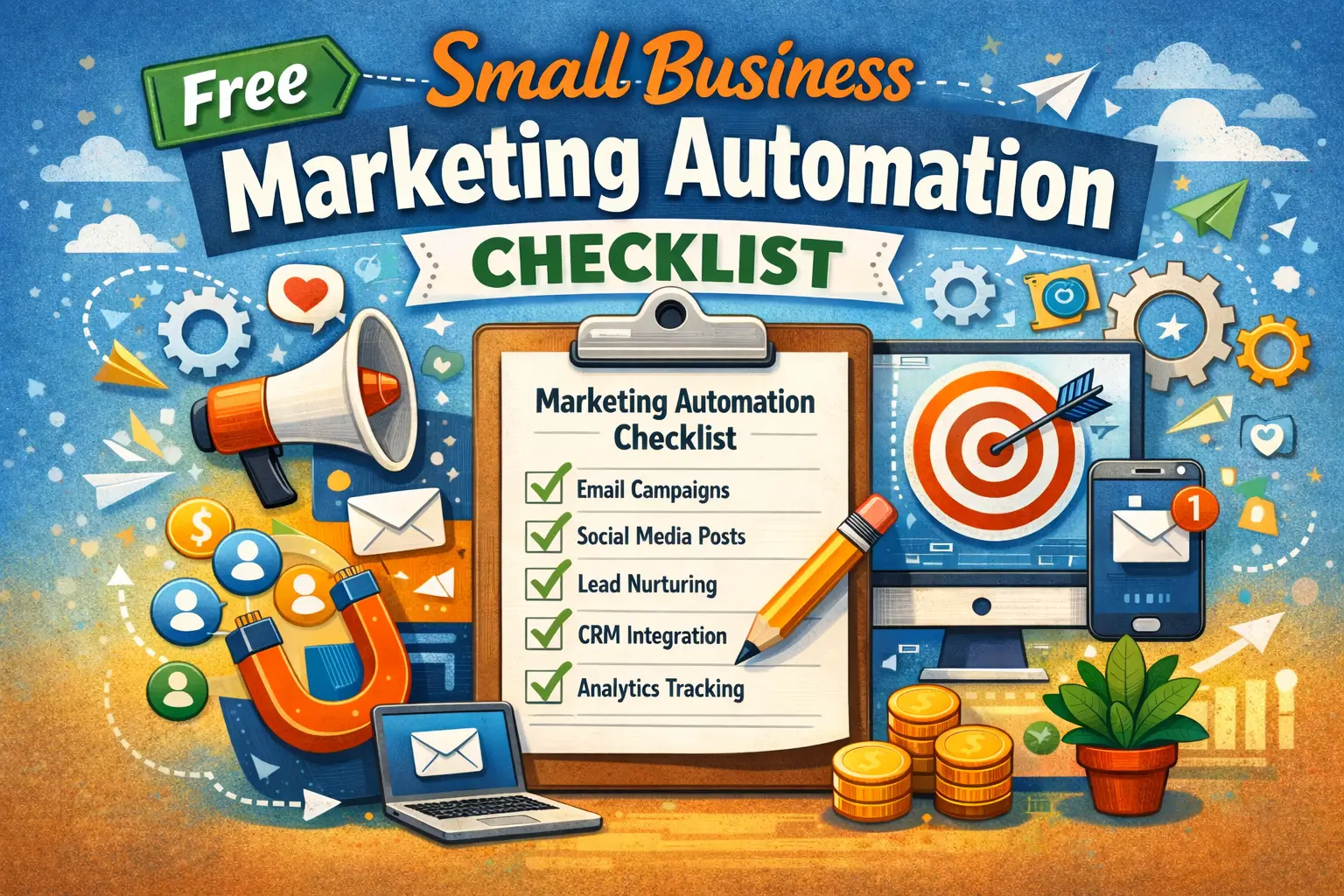
If you want a clear starting point, download the free marketing automation checklist and mark each item as Yes, Partially, or No.
How to use this marketing automation checklist
Work through the checklist one section at a time. For each item, choose one option:
Yes – this happens automatically with no manual effort
Partially – some automation exists, but manual steps still happen
No – this is manual, inconsistent, or missing
Be honest. A checklist only helps if it shows where delays and handoffs are happening. Your scores tell you which fixes will reduce busywork and protect lead flow.
Automated vs digitized marketing
A lot of SMB marketing is digitized, not automated. Digitized means you use software, but people still connect the steps. Automated means workflows move the work forward without someone copying information between tools.
Signs your marketing is digitized
- Leads land in an inbox first. Someone has to retype the lead into a CRM, tag the service requested, and remember to follow up. Response time slips, and it becomes hard to tie the lead to the original source.
- Planning lives in documents. Ads, landing pages, emails, and posts get created in separate places. Small changes, like a new offer, have to be updated in several tools, and the message drifts.
- Reporting is a monthly scramble. Data gets exported, pasted into spreadsheets, and sent around after the month ends. If something broke in week one, you do not see it until week four.
Signs your marketing is automated
- Lead capture is connected to your CRM. A form fill creates a CRM record, tags the service, and stores the lead source. This supports CRM follow up automation and gives cleaner reporting.
- Lead follow up runs on rules. New inquiries trigger an immediate confirmation and create a task for the right person on your team. If there is no response, reminders and follow up steps continue until the lead is contacted.
- Performance is visible during the week. A marketing dashboard shows leads, booked calls, and cost per lead by campaign. This supports marketing reporting automation you can use while campaigns are running.
Marketing automation vs orchestration
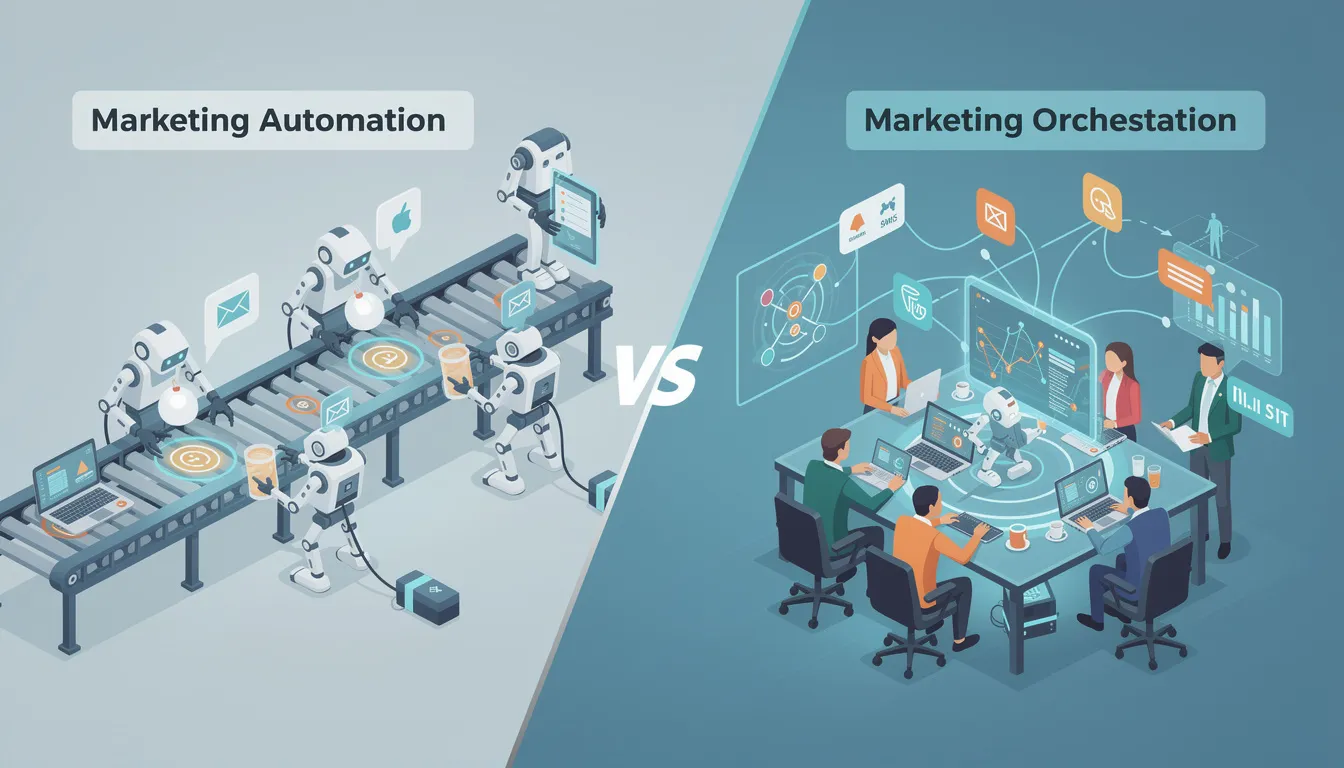
Automation completes tasks. Orchestration connects outcomes across channels.
An example: you can schedule social posts automatically. Orchestration means the social post, ad copy, landing page headline, and follow up email are aligned to the same offer. That alignment is what reduces confusion and lifts conversion rates. This is why the checklist looks at the whole system, not one tool at a time.
The checklist pillars for SMB marketing automation
1) Understand your market
Marketing workflow automation starts with demand signals. If market insight is manual, the rest of the process becomes reactive.
What this pillar covers:
- Search demand visibility so you can see what buyers look for, and how that changes.
- Buyer intent signals so your content and ads match whether the search is research or ready to buy.
- Trend monitoring so drops show up early enough to respond.
- Competitive awareness so you can spot shifts in competitor pages, offers, or visibility.
What your scores often mean:
- Yes: you have ongoing visibility into rankings, traffic shifts, and intent trends without creating reports each time. You can spot changes quickly and adjust priorities.
- Partially: you have data, but it is spread across tools or reviewed only when someone remembers. The team sees changes late.
- No: market research happens as a project a few times a year. Decisions rely on gut checks, old reports, or whatever is urgent.
Quick actions that help:
- Choose one place to track keyword movement and buyer intent signals week to week.
- Set a simple routine to review changes every week, not every quarter.
- Track competitor activity on your priority services, not the whole market at once.

2) Plan smarter campaigns
Planning is where many small business teams lose time. When planning is disconnected from execution, the week turns into a chain of urgent requests.
What this pillar covers:
- A single campaign view that connects the offer, landing page, ads, email follow up, and social.
- Cross channel alignment so the message stays consistent from click to conversion.
- Faster updates so changes do not require rewriting everything in multiple places.
What your scores often mean:
- Yes: your team can plan weeks ahead and see what is launching, who owns it, and what it depends on. When priorities change, the plan stays current.
- Partially: some planning exists, but it lives in documents and does not connect to execution tools. The plan is accurate only on the day it is written.
- No: planning happens inside meetings or chat threads. Work starts before offers and landing pages are ready.
Quick actions that help:
- Pick one primary offer per campaign and write it in plain language before you write ads or posts.
- Keep one calendar for everything going live, across SEO, ads, email, and social.
- Use consistent naming for campaigns so reporting matches planning.

3) Execute at scale
Execution should be repeatable. If you recreate campaigns every time, output depends on who is available, and consistency drops during busy weeks.
What this pillar covers:
- Content production and publishing that runs on a steady schedule.
- Paid launches that follow a consistent structure, with tracking and naming already set.
- Social scheduling that stays active because content is planned and queued ahead of time.
What your scores often mean:
- Yes: publishing and launches follow a clear workflow with review steps and defined owners. Output stays steady even during peak weeks.
- Partially: you can publish, but the process breaks when one person is out or the business gets busy. Deadlines slip and content queues run dry.
- No: execution is mostly manual and reactive. Ads, posts, and pages go live when there is time.
Quick actions that help:
- Create a simple handoff process: draft, review, publish, measure. Keep it the same across channels.
- Use templates for repeat campaigns so you are not starting from a blank page each time.
- Tie every campaign to one landing page and one clear call to action.
4) Protect your brand
More automation needs more control. Without safeguards, higher output can cause mixed messaging, errors, and risk in regulated or review sensitive industries.
What this pillar covers:
- Voice and message consistency across channels.
- Quality checks for links, tracking, and claims before content goes live.
- Review steps for pricing, guarantees, and sensitive topics.
What your scores often mean:
- Yes: brand guidelines and review steps are part of the workflow, not a separate task. Quality checks happen before publishing and do not slow everything down.
- Partially: you have guidelines, but they are not used consistently. Review happens when there is time, which leads to uneven quality.
- No: brand and quality rely on manual review by one person, or are skipped during busy weeks.
Quick actions that help:
- Keep a short library of approved service descriptions, offers, and calls to action.
- Add a pre publish checklist for links, tracking, and basic compliance.
- Decide what must be reviewed by a person every time, and what can be queued with light checks.
5) Improve continuously
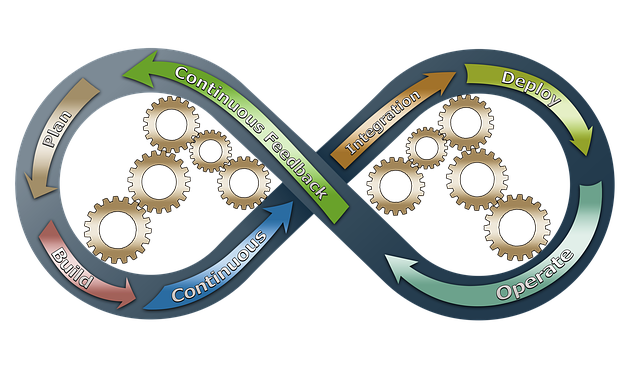
Many SMBs review performance after the month ends. That delays learning and increases wasted spend. This pillar checks whether improvement is part of normal weekly work.
What this pillar covers:
- Weekly visibility into leads, booked calls, and conversion rates by campaign.
- Early signals for drop offs, such as landing page issues or rising cost per lead.
- Simple testing and change tracking so you know what caused the result.
What your scores often mean:
- Yes: you can see what is working during the week and make small changes while campaigns run.
- Partially: you can see some results, but they are split across tools. The team spends time hunting for numbers.
- No: reporting is manual and late. Changes happen after results are already locked in.
Quick actions that help:
- Track a weekly scorecard: leads, contacted leads, booked calls, cost per lead, close rate.
- Review one thing each week and make one change. Record what you changed.
- Use campaign level tracking so you know which offer is producing results.
6) System integration
System integration is the most common gap in SMB marketing automation. When your SEO platform, ad accounts, CRM, analytics, and scheduler sit in silos, your team ends up exporting data and copying updates.
What this pillar covers:
- Data flow between CRM, email, analytics, and ad platforms.
- Cross channel insights so wins in one channel inform the others.
- Fewer manual exports and fewer places to update the same information.
What your scores often mean:
- Yes: key data flows between systems, and reporting updates without manual exports.
- Partially: some connections exist, but key data still needs manual steps, especially lead source and conversion tracking.
- No: most reporting and lead handling depends on exports, copy and paste, and spreadsheets.
Quick actions that help:
- Confirm your lead sources are captured and stored in the CRM.
- Make sure conversions are tracked back to the campaign and the landing page.
- Reduce tool sprawl. Fix connections before adding another platform.
7) Team efficiency and scale
SMB marketing automation should reduce busywork so your team can spend time on strategy, content quality, and sales enablement.
What this pillar covers:
- Clear ownership and documented workflows so the process does not live in one person’s head.
- Faster onboarding through templates and consistent handoffs.
- Less time spent on repetitive admin tasks.
What your scores often mean:
- Yes: a new team member can follow the workflow and keep execution moving without constant supervision.
- Partially: the process exists, but it is not documented well, so onboarding is slow and mistakes repeat.
- No: knowledge is tribal. If one person is out, output stalls.
Quick actions that help:
- Document the steps for lead follow up, campaign launches, and content publishing.
- Use templates for common campaign types and service offers.
- Set a weekly check in on lead flow and campaign status.
What to fix first for most small business owners
If you want early progress, focus on the areas that affect revenue and time the fastest:
- Automated lead follow up and lead nurturing automation
Start with what happens after a form fill, call, or chat. Confirm the inquiry right away, route the lead to the right person, and keep follow up consistent with tasks and reminders. - Lead source tracking and CRM follow up automation
Make sure every lead has a source in the CRM. This helps you stop guessing which channel produces booked work. - Marketing dashboard and reporting
Set up a simple view of leads, booked calls, and cost per lead by campaign. When numbers are visible during the week, you can adjust spend and messaging before the month is over.
Download the Free Small Business Marketing Automation Checklist (PDF)
If you want a practical way to run a marketing automation audit, download the checklist and score each pillar as Yes, Partially, or No. Then focus on the lowest scoring areas that affect lead flow and reporting.
Download: Free Small Business Marketing Automation Checklist (PDF)
Get the Free Checklist
Enter your email and we will send you the PDF.
FAQs
What is marketing automation for small businesses?
Marketing automation for small businesses is the use of workflows that move routine marketing steps forward with less manual work. It often includes lead capture, follow up, email sequences, campaign tracking, and reporting that updates without constant exports.
How do I know if my marketing is automated?
If you copy and paste data between tools, rely on spreadsheets for reporting, or depend on memory to follow up with leads, your setup is mostly digitized. Automated setups store lead source, route leads, and track results without manual handoffs.
What should be in a marketing automation checklist?
A marketing automation checklist should cover market insight, campaign planning, execution, brand safeguards, ongoing improvement, system integration, and team efficiency. It should also include a simple scoring method so you can spot gaps fast.
What is the difference between marketing automation and orchestration?
Marketing automation completes tasks such as sending emails or scheduling posts. Orchestration connects channels so ads, landing pages, email follow up, and content all support the same offer and tracking.
Do small businesses need marketing automation?
Most small businesses benefit once lead volume rises and manual follow up becomes inconsistent. Even basic workfl
Multi-Location Checklist Additions
For franchises and multi-location home services businesses, add these items to your automation checklist:
Lead Routing
- ☐ ZIP code to location mapping configured
- ☐ Overflow routing rules defined
- ☐ Lead assignment notifications tested
- ☐ Round-robin or capacity-based routing selected
Centralized Reporting
- ☐ Location-level dashboards created
- ☐ Response time tracking enabled
- ☐ Booking rate metrics configured
- ☐ Automated weekly report emails scheduled
Brand Consistency
- ☐ Approved message templates distributed
- ☐ Local customization guidelines documented
- ☐ Compliance review process established
- ☐ Franchisee training completed
Quality Assurance
- ☐ Call recording enabled across locations
- ☐ Performance benchmarks established
- ☐ Underperformer intervention process defined
- ☐ Best practice sharing system created
Want to see this in action for your business?
We'll walk you through a live demo using real home services examples—HVAC, plumbing, restoration, or your specific vertical.
See a Live Demo Using Your Industry →Ready to Stop Losing Leads?
Get a free multi-location lead flow audit and see exactly where leads are falling through the cracks across your locations.
Get Your Free Lead Flow Audit Download Automation ChecklistSee Where Your Business Stands in Search
Get a free site audit. We identify what is holding you back and what to fix first.
Related Resources
Explore more insights to enhance your digital marketing strategy
Revenue Operations: Connecting Marketing, Sales, and CS Data
How high-performing RevOps teams unify data across the full customer lifecycle to eliminate reporting gaps and drive faster decisions.
Decision Intelligence Platform
Unify attribution, MMM, and incrementality into a single operating view. Route every measurement question to the right instrument automatically.
See It Run on Your Stack
Book a demo to see how RankWorks connects to your CRM, MAP, and ad platforms without adding more complexity to your martech stack.