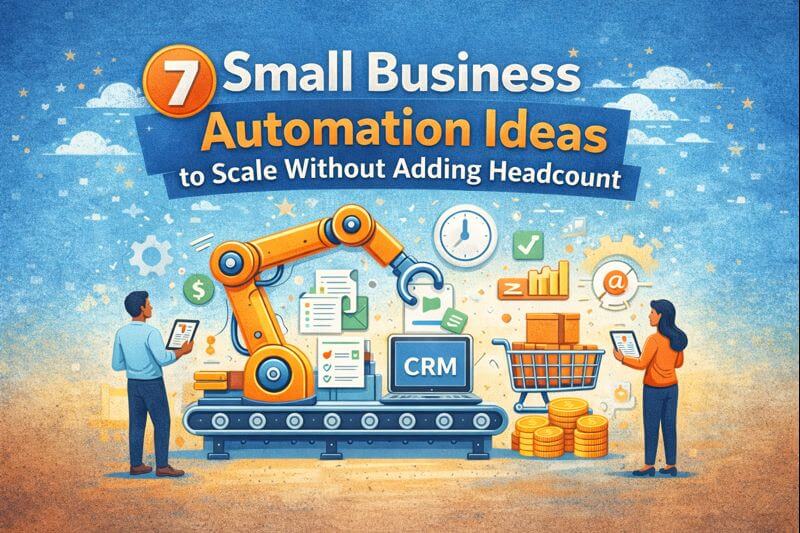
7 Small Business Automation Ideas to Scale Without Adding Headcount
7 Small Business Automation Ideas to Scale Without Adding Headcount
Are you losing leads without knowing it?
Most home services businesses miss 30-50% of after-hours leads. Multi-location franchises often have no visibility into location-level response times.
See How Many Leads You're Losing Per Location →Workflow automation for small business marketing and operations
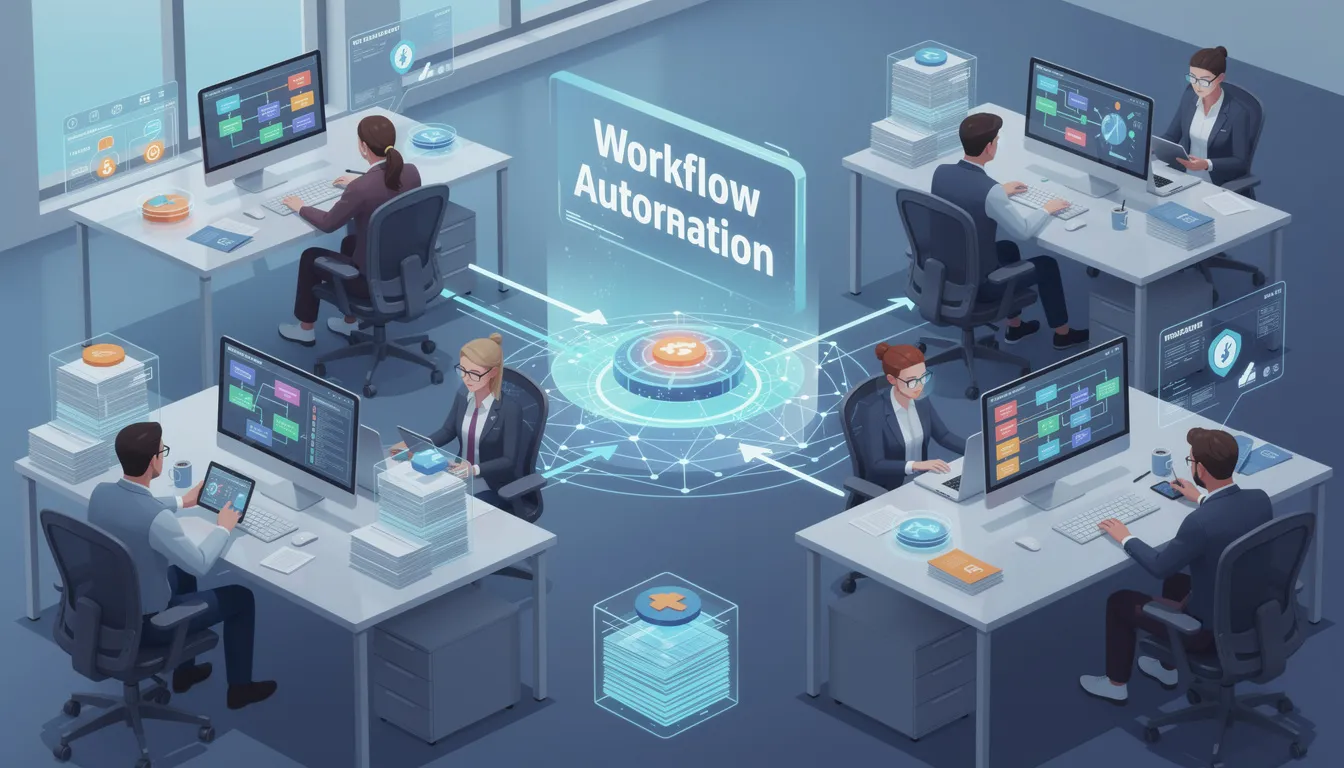
Automation shows up everywhere in small business marketing and operations. Tools promise to save time, but many owners feel busier than ever. That usually happens when automation handles isolated tasks while the rest of the workflow stays manual.
A small business can schedule social posts, send automated emails, and run ads, yet still spend hours coordinating work, chasing leads, and building reports. The best results come from business process automation for small business teams that connects planning, execution, follow-up, and reporting.
Below are seven practical automations that reduce manual effort and help you scale without constantly adding headcount. If you want to measure where you stand, use the marketing automation checklist PDF as a simple marketing automation audit.
Download: Marketing Automation Checklist PDF
Get the Free Checklist
Enter your email and we will send you the PDF.
Why automation matters more for small businesses
Large companies can absorb inefficiency because they have more staff and more layers. Small businesses do not have that buffer. When a process is manual, it usually lands on the owner or one overloaded team member.
Here is what workflow automation for small business teams improves most often:
Reduce coordination time
In many SMBs, work slows down because people need to confirm ownership. Who is replying to the lead, who is updating the landing page, and who is checking results? Automation helps by assigning ownership, triggering next steps, and keeping status visible, so the team spends less time in back-and-forth messages.
Lower human error in repeat tasks
Manual steps create predictable mistakes. Links get missed, tracking is not added, leads are not tagged, and follow-up stops after one attempt. When the system handles these steps the same way every time, your output becomes more reliable.
Respond faster when demand changes
Demand shifts, competitors change offers, and performance can move week to week. Automation helps you notice changes earlier through alerts, dashboards, and routine reporting. That gives you time to adjust before a slow month shows up in revenue.
Keep brand consistency as output grows
As you publish more content and run more campaigns, messaging can drift. One ad says one thing, the landing page says another, and follow-up emails use different wording again. Simple guardrails, templates, and review steps help keep your offer and voice consistent.
Scale results without scaling headcount
The goal is not to remove people. It is to remove repeated admin work so people can focus on calls, quotes, service delivery, and decisions that need judgment. That is how small teams handle more leads and more campaigns without burning out.
The goal is not to automate everything. The goal is to automate what slows you down and causes missed leads.
Quick self-check for business owners
If any of the points below sound familiar, the automations in this article will be relevant.
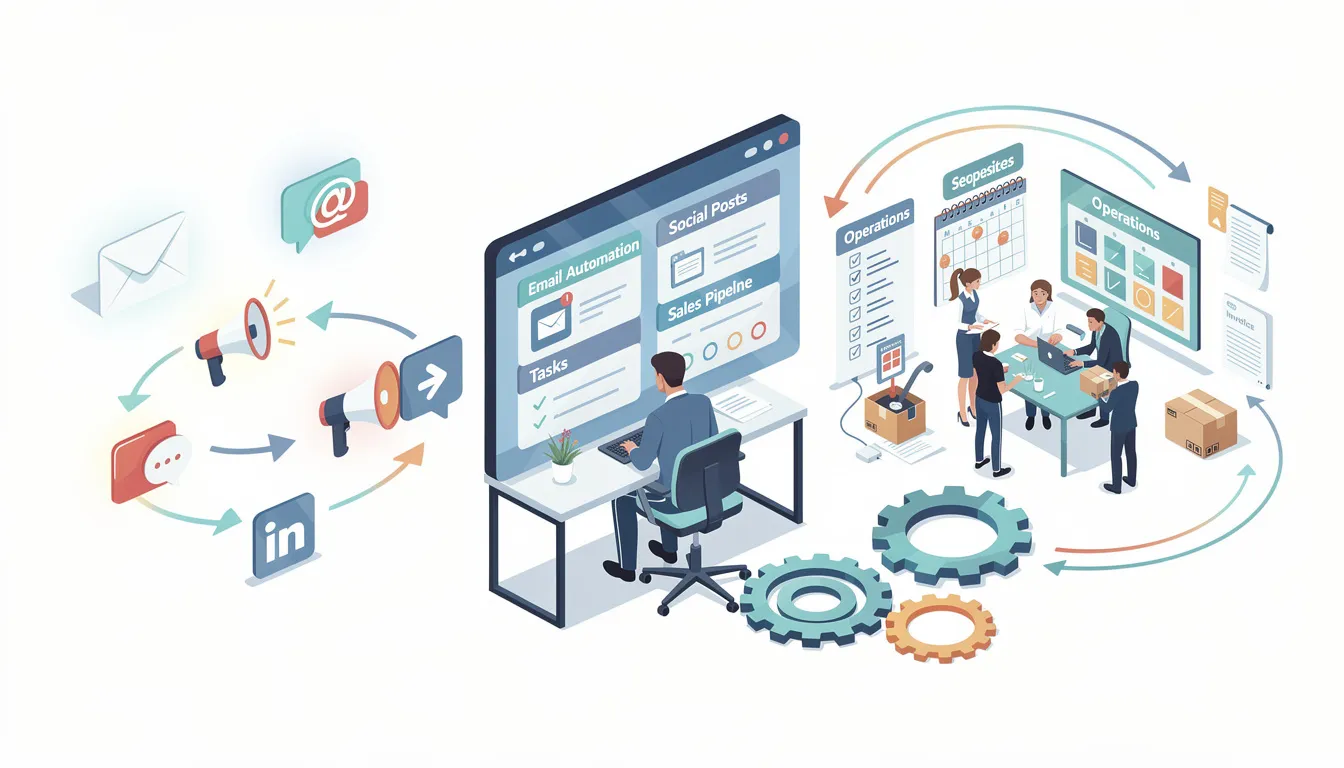
Leads arrive in too many places
When leads come in through email, forms, calls, chat, and downloads, it becomes hard to track what is new and what is being handled. A single system for lead capture prevents inquiries from being missed during busy hours.
Follow-up depends on memory
If follow-up is “I will reply later,” it will break when the day gets busy. A consistent process with reminders and ownership rules reduces missed touches and makes conversion more predictable.
Lead source is unclear
If you cannot tell whether a lead came from organic search, paid search, social, or referrals, you end up guessing where to invest. Source tracking in your CRM and reporting helps you spend money where it produces real results.
Reporting takes too long
If monthly reporting requires spreadsheets, exports, and manual cleanup, decisions happen too late. Marketing reporting automation and a simple dashboard help you act during the week, not after the month ends.
Automation 1: Market and demand monitoring
What it solves
Many businesses plan using outdated research. Keyword research gets done once or twice a year, competitor monitoring happens during a website refresh, and insights sit in spreadsheets that do not get revisited.
What it should include
Market and demand monitoring should give you ongoing visibility into:
- keyword ranking movement and search demand trends
- buyer intent signals so you can separate research searches from ready-to-contact searches
- competitor activity, including new pages, offers, and content gaps
- emerging opportunities that appear before your next quarterly review
Why it matters
If this piece is manual, every marketing automation workflow downstream is built on weak inputs. You end up reacting late instead of adjusting early.
Automation 2: Campaign planning automation and coordination
What it solves
Planning often lives in documents and spreadsheets while execution happens in separate tools. When something changes, updates require meetings, emails, and rework. That is when messaging drifts across ads, landing pages, and follow-up.
What it should include
Campaign planning automation should help you:
- keep the offer, landing page, ads, email follow-up, and social plan in one place
- assign owners and deadlines so tasks do not stall
- manage dependencies, for example landing page first, then ads, then follow-up messages
- adjust priorities without rewriting the plan in multiple places
Why it matters
Scaling becomes chaotic when every campaign adds more manual coordination. A connected plan keeps execution clean.
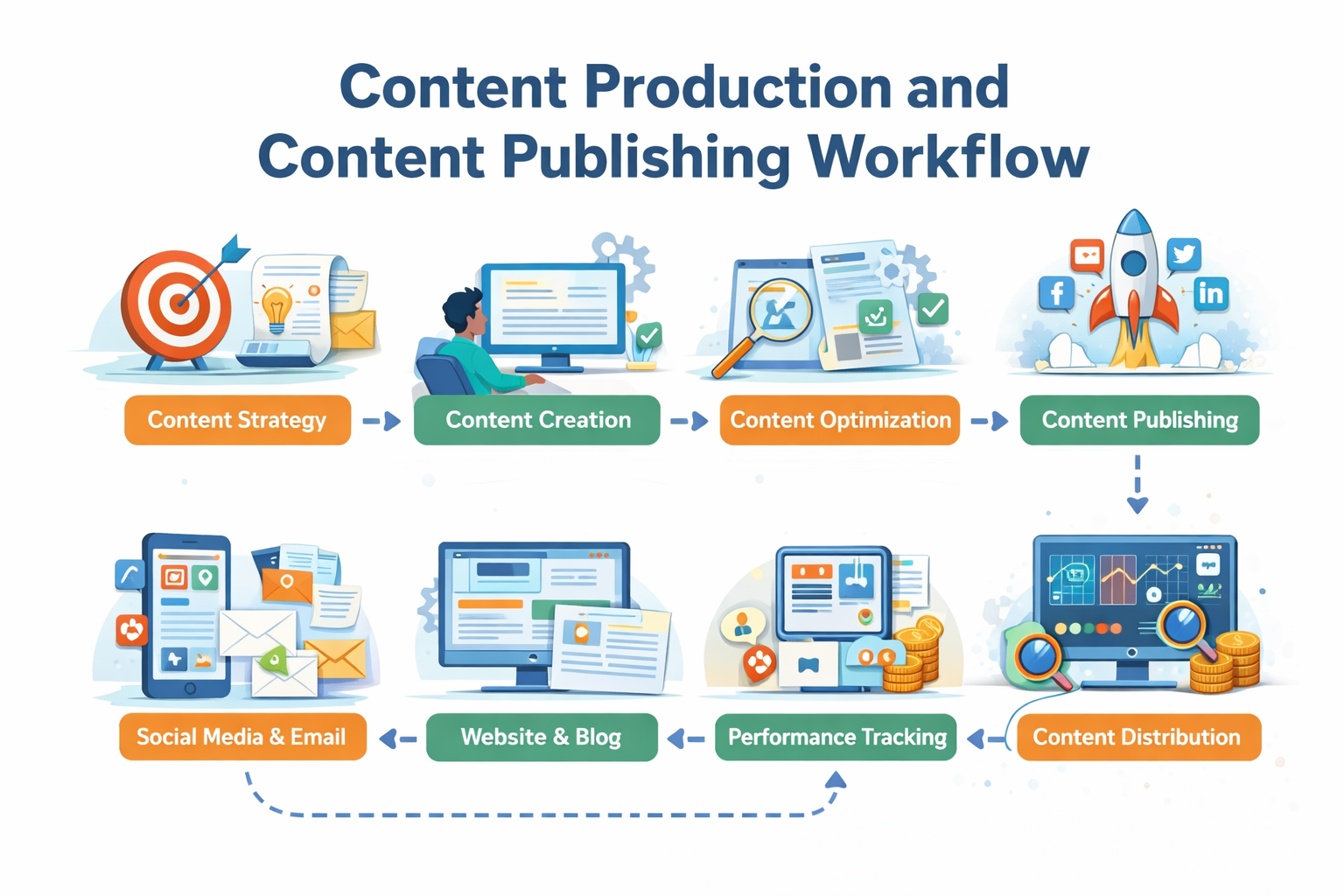
Automation 3: Content production and content publishing workflow
What it solves
Content supports long-term growth, but manual writing, editing, publishing, and tracking does not scale. Output becomes inconsistent, or the team burns out.
What it should include
A content publishing workflow that supports growth usually includes:
- a repeatable creation process (draft, review, approval) so work moves forward without chasing
- scheduled publishing so content goes live consistently, even during busy weeks
- performance tracking so you can see what content drives visits, calls, and form fills
- clear ownership so content does not sit in one person’s inbox waiting for a decision
Why it matters
Consistency matters more than occasional bursts. A stable workflow makes content production realistic on a small team.
Automation 4: Lead capture automation and automated lead follow up
What it solves
Many SMBs lose leads because follow-up is delayed or inconsistent. A form fill sits in an inbox. A call is not logged. A second follow-up never happens.
What it should include
Lead capture automation and automated lead follow up should ensure:
- every lead is captured reliably in one place (usually your CRM)
- the lead receives immediate confirmation with clear next steps
- internal teams are notified and ownership is assigned automatically
- reminders continue until the lead is contacted
- a short lead nurturing workflow runs when there is no reply
This is where CRM follow up automation and follow up email automation often produce the fastest improvements. The system handles routine touches so your team can focus on conversations and quotes.
Why it matters
This is often the highest-impact automation for revenue because it protects the leads you already worked to generate.
Automation 5: Brand consistency and quality control process
What it solves
As output increases, risk increases. Messaging becomes inconsistent, errors slip through, and off-brand content goes live during busy weeks.
What it should include
Brand and quality control automation should embed guardrails that are easy to follow:
- approved messaging for key services and offers so ads, pages, and emails match
- pre-publish checks for links, tracking, and basic accuracy
- review rules for pricing claims, guarantees, and sensitive topics
Why it matters
Fixing brand damage costs more than preventing it. Guardrails allow you to scale output without losing control.
Automation 6: Marketing reporting automation and a marketing dashboard
What it solves
Manual reporting is one of the biggest time sinks in small business marketing. Data is pulled from multiple tools, pasted into spreadsheets, and reviewed too late to guide action.
What it should include
Marketing reporting automation should provide:
- a marketing dashboard that updates regularly without exports
- automated tracking of traffic, conversions, and lead volume
- clear reporting by channel and campaign, not only platform totals
- conversion tracking tied to the offer and landing page, so you know what produced the lead
Why it matters
When performance is visible during the week, decisions improve. You can pause waste, fix broken pages, and adjust offers before the month is over.
Automation 7: Continuous optimization
What it solves
Monitoring tells you what happened. Optimization tells you what to change next. Many SMBs stop at monitoring because optimization feels time-consuming.
What it should include
Continuous optimization should help you:
- identify performance gaps early, such as rising cost per lead or falling conversions
- find drop-offs on landing pages and forms so you can remove friction
- test improvements in small steps and track what changed
- turn insights into action without starting a big project each time
Why it matters
Markets shift and competitors adjust. Ongoing optimization prevents slow decline and keeps improvement moving.
Why these seven automations work best together
Each automation supports the next. Market insight guides planning. Planning keeps execution aligned. Execution produces cleaner data. Reporting supports better decisions. Optimization improves results over time. Brand guardrails protect consistency throughout.
When automations operate in isolation, results are limited. When they operate as a connected workflow, gains compound.
Common mistakes small businesses make with automation
Automating tasks instead of outcomes
Scheduling posts is easy, but it does not guarantee leads or booked calls. Choose automations that support outcomes like faster response time, better tracking, and consistent execution across channels.
Adding tools without integration
More tools can create more admin work if data does not flow between them. Before buying another platform, make sure your CRM, analytics, and reporting connect to the channels you already use.
Ignoring planning
Execution without campaign coordination leads to mismatched messaging and rework. Planning automation keeps the offer, landing page, ads, and follow-up aligned so you are not fixing the same issue in five places.
Expecting instant change
Automation improves consistency and efficiency over time as workflows mature. The biggest gains show up when you review performance, adjust, and keep improving the system.
How to start without overwhelm
You do not need all seven automations at once. Start where manual effort causes the most friction and where the impact ties to revenue.
A practical order for many SMBs:
- Lead capture automation and automated lead follow up so inquiries do not get missed
- Marketing dashboard and marketing reporting automation so you can see lead flow by source
- Campaign planning automation so offers stay aligned across channels
- Content publishing workflow so output stays consistent
- Brand consistency and quality control process to reduce risk as volume increases
- Market and demand monitoring to keep strategy current
- Continuous optimization to keep performance improving week to week
If you want a structured way to assess your current setup, use the marketing automation checklist PDF as a marketing automation assessment
Franchise-Specific: Centralized Operations at Scale
For multi-location businesses, automation isn't just about efficiency—it's about maintaining quality and consistency without proportional staffing increases.
The Traditional Scaling Problem
In the old model:
- 10 locations = 10 CSRs + 1 manager
- 50 locations = 50 CSRs + 5 managers + 1 director
- Staff costs scale linearly with locations
The Automated Scaling Model
With proper automation:
- 10 locations = 3 CSRs + automation
- 50 locations = 10 CSRs + 2 managers + automation
- Staff costs scale logarithmically, not linearly
What Automation Handles at the Franchise Level
| Function | Without Automation | With Automation |
|---|---|---|
| Lead routing | 1 person per 5 locations | Instant, automatic |
| After-hours coverage | Expensive answering service | SMS + self-scheduling |
| Quote follow-up | Depends on rep memory | 100% automatic |
| Review requests | Sporadic, inconsistent | Every job, every time |
| Performance reporting | Manual spreadsheet compilation | Real-time dashboards |
Want to see this in action for your business?
We'll walk you through a live demo using real home services examples—HVAC, plumbing, restoration, or your specific vertical.
See a Live Demo Using Your Industry →Ready to Stop Losing Leads?
Get a free multi-location lead flow audit and see exactly where leads are falling through the cracks across your locations.
Get Your Free Lead Flow Audit Download Automation ChecklistGet the Free Checklist
Enter your email and we will send you the PDF.
Related Resources
Explore more insights to enhance your digital marketing strategy