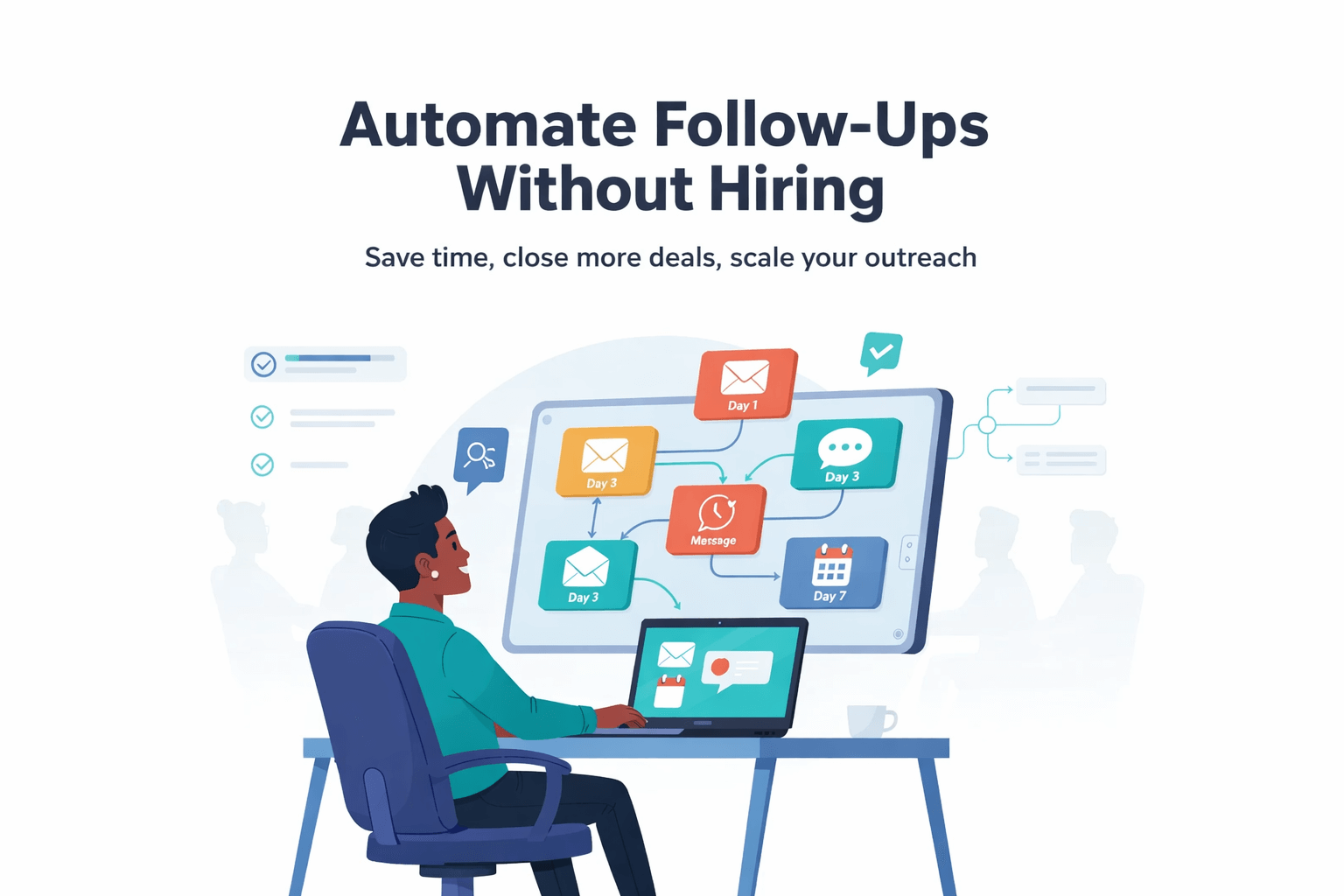
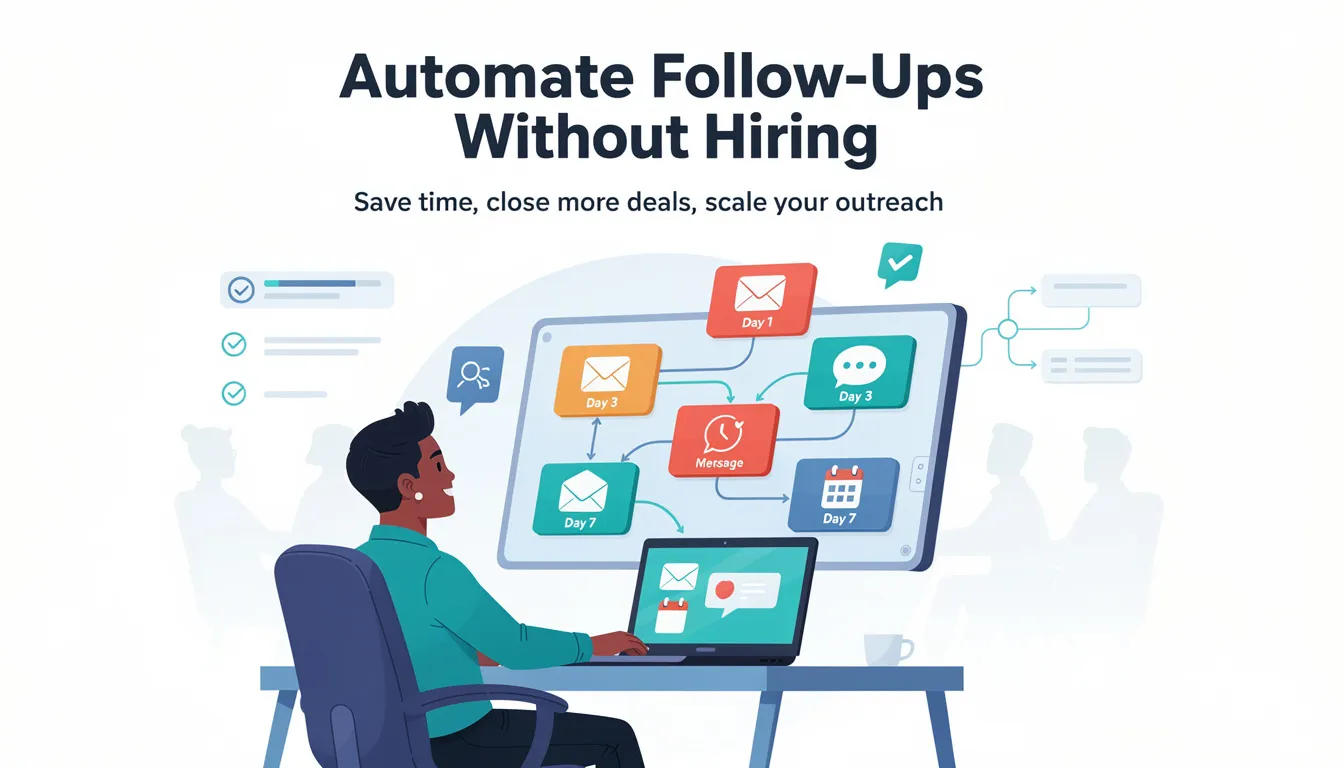
Automate Follow-Ups Without Hiring
Are you losing leads without knowing it?
Most home services businesses miss 30-50% of after-hours leads. Multi-location franchises often have no visibility into location-level response times.
See How Many Leads You're Losing Per Location →How small businesses can protect leads, improve conversions, and create a connected marketing system
For many small businesses, follow-up is where growth breaks down. Leads come in from contact forms, content downloads, demo requests, referrals, and inbound email, but replies are late or inconsistent.
That is usually not a motivation issue. It is a process issue. When the team is busy, follow-up depends on memory and whoever sees the lead first.
Before you add headcount, fix the workflow. The right follow-up automation helps you respond faster, keep ownership clear, and stop good leads from going cold.
Download: Free SMB Marketing Automation Checklist (PDF)
Why follow-up is one of the biggest growth leaks for SMBs
Small businesses invest in lead generation through content, ads, and website updates. More traffic and more inquiries should mean more revenue, but the handoff from lead to conversation is often weak.
Two factors drive results:
- Speed: The sooner a lead gets a clear reply, the more likely they are to engage. A fast response signals professionalism and makes it less likely the lead will contact a competitor.
- Consistency: Many leads need more than one touch. If the second or third follow-up does not happen, you lose deals that were still open, not “bad leads.”
When follow-up is slow or inconsistent, interest fades. Prospects move on. Marketing spend turns into wasted opportunity.
The hidden cost of manual follow-up
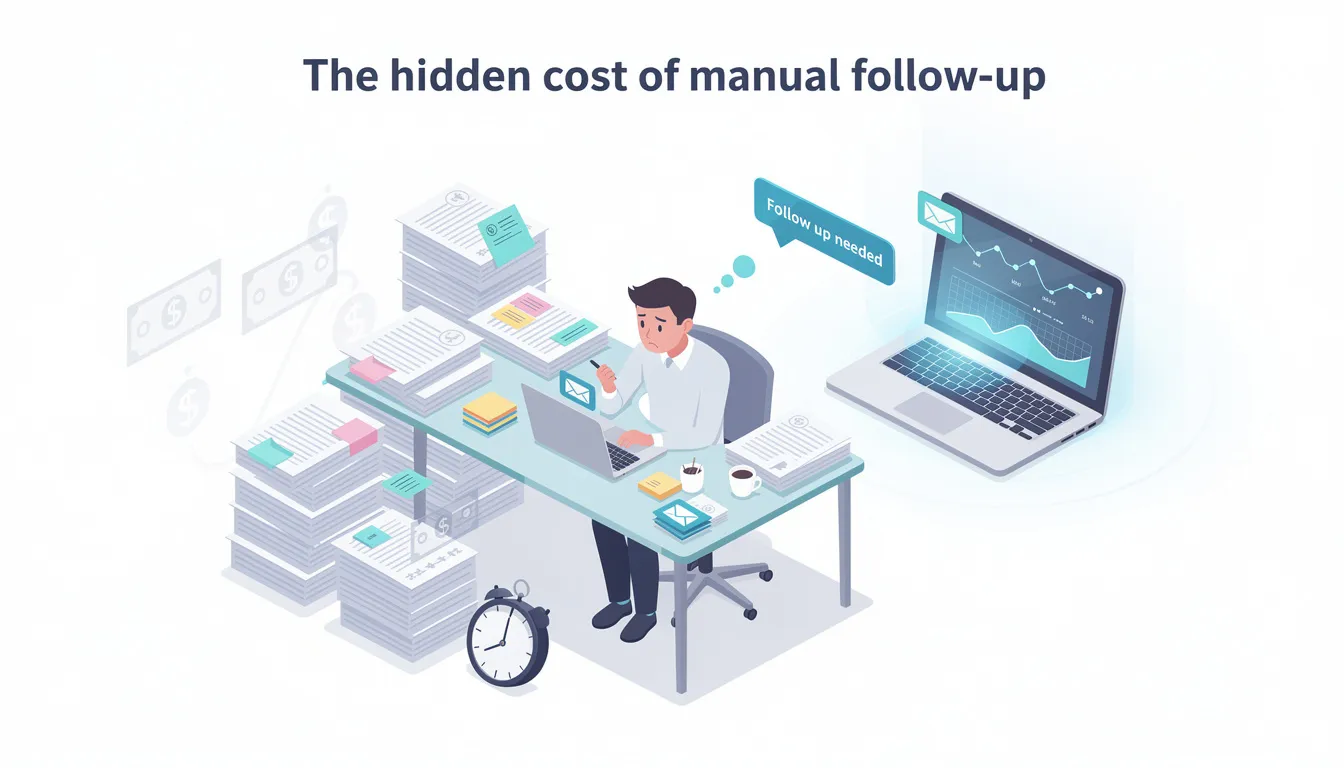
Manual follow-up can work when lead volume is low. Once inquiries increase, the same issues show up repeatedly.
- Leads get buried in inboxes. A new inquiry lands next to vendor emails, internal threads, and customer messages. It might be seen hours later, which often is too late to win the conversation.
- CRM tasks pile up without action. Tasks get created, but no one has a clear routine for working them. The CRM becomes a place where work is recorded, not a system that moves work forward.
- Ownership is unclear. Two people reply to the same lead, or no one replies because each person assumes someone else handled it. That creates confusion for the prospect and friction inside the team.
- Messaging changes from person to person. One person describes the service one way, another person says something different, and the offer starts to feel inconsistent. Inconsistent messaging reduces trust and increases drop-off.
- Follow-up stops too early. A lead does not respond to the first email or call, and then nothing happens. Many leads convert after a second touch, but manual processes rarely keep that rhythm during busy weeks.
Manual systems rely on discipline and availability. Those are not reliable controls when the business is under pressure.
Why hiring is often the wrong first fix
When follow-up slips, many SMBs hire an assistant or ask sales to “stay on top of leads.” That adds capacity, but it does not fix the process that caused the problem.
Hiring also adds training time, management overhead, and fixed costs, even when lead volume changes month to month. A better approach is to improve the system first, then decide if you still need extra capacity.
What follow-up automation really means
Follow-up automation is not spam. It is a repeatable workflow that makes sure every lead gets the right next step, at the right time, with the right owner.
Effective follow-up automation includes:
- Immediate confirmation. The lead receives a message that confirms their request was received and sets expectations, such as when they will hear back and what the next step is.
- Clear routing. The lead is assigned to the correct person based on service type, location, or request category. This removes the “who is handling this?” delay.
- Helpful follow-up messages. If there is no reply, the lead gets a short sequence that answers common questions and points to the next step. This is follow-up email automation that supports the conversation, not pressure.
- Reminders for your team. If the lead is not contacted, reminders prompt action until someone engages. This prevents leads from going stale because the day got busy.
- A clean handoff. Automated messages pause once a human conversation starts, so the lead does not receive duplicate or conflicting messages.
When set up well, automation makes your business feel more responsive and organized.
Follow-up moments that should be automated
Follow-up is not only for quote requests. Any “raised hand” action should trigger an immediate response and a clear next step.
- Contact form submissions: Send a confirmation within minutes, then route the lead to the right person and create a follow-up task. This prevents forms from sitting in a shared inbox with no owner.
- Content and checklist downloads: Deliver the resource immediately and include one simple next step, such as a link to book time or a question the lead can reply to. This keeps momentum while intent is high.
- Demo or consultation requests: Confirm the request and share scheduling steps right away. At the same time, notify the owner internally so a person can respond quickly if scheduling stalls.
- Quote or estimate requests: Capture the details needed for a quote, assign ownership, and trigger reminders if there is no response. This keeps high-intent leads from cooling off.
- Referrals: Acknowledge the introduction quickly and make it easy to schedule the next step. Fast responses matter here because referrals often contact more than one provider.
The goal is simple: no lead should depend on someone remembering what to do next.
Set up a strong follow-up system in four steps
Step 1: Automate immediate confirmation
Every follow-up workflow should start with confirmation. The lead should know their request was received, what happens next, and how to access what they asked for. This can be an email, a thank-you page, or both.
Step 2: Automate value-based follow-up
If the lead does not respond right away, send helpful information instead of pressure. Keep the message short and specific to what they requested. Include one clear call to action, like booking a call or replying with one detail.
Step 3: Automate internal visibility
Automation should notify the right person when a high-intent action occurs. That prevents leads from sitting in shared inboxes and makes response times more consistent.
Step 4: Automate persistence without being pushy
Many leads need more than one touch. Use spaced follow-ups and reminders that continue until the lead replies or books. Also define a stopping rule so sequences end when a human takes over.
Why follow-up automation works best as part of a system
Many teams automate one message and stop. Results improve slightly, but other gaps still cause leads to drop.
Follow-up breaks when:
- lead capture is inconsistent across forms, calls, and inboxes
- planning is separate from execution, so messaging does not match the offer
- ownership is unclear, so tasks stall
- performance data is not visible, so problems show up late
That is why it helps to review the full workflow, not only the follow-up emails.
How the Free SMB Marketing Automation Checklist helps
Automating follow-ups often reveals other gaps, such as missing lead source tracking or reporting that takes too long.
The checklist helps you confirm whether:
- Leads are captured consistently. It checks if every lead source creates a trackable record, instead of scattering leads across inboxes and spreadsheets.
- Confirmations are automatic. It checks whether form fills and downloads get an immediate response that sets clear next steps.
- Follow-up runs without relying on memory. It checks for tasks, reminders, and sequences that keep the process moving even during busy weeks.
- Internal notifications reach the right person. It checks whether high-intent actions alert the owner who can act, not a generic inbox.
- Messaging stays consistent at higher volume. It checks for guardrails so ads, landing pages, and follow-ups stay aligned as output increases.
- Automation pauses when humans take over. It checks whether the system avoids duplicate messages once a real conversation begins.
Download: Free SMB Marketing Automation Checklist (PDF)
Get the Free Checklist
Enter your email and we will send you the PDF.
When expert guidance helps
Some SMBs can set this up quickly. Others get stuck because tools do not connect or roles are unclear.
Guidance is useful if you need to:
- Choose the right priorities. If everything feels broken, it helps to identify the one or two changes that will reduce missed leads first.
- Connect systems correctly. If your CRM, forms, email, and analytics are not sharing data, follow-up and reporting will always be incomplete.
- Write follow-up that fits your business. Messaging should match the service, expectations, and buying cycle. Good follow-up feels helpful and clear.
- Build reporting your team will use. If dashboards are too complex, they get ignored. Simple reporting that ties leads to sources is usually the most useful starting point.
Free consultation
If you complete the checklist and want a second set of eyes, you can book a free consultation with RankWorks. We will review your follow-up process, identify quick improvements, and outline a plan you can act on.
Final thought
Automating follow-ups without hiring is not about removing people from the process. It is about removing the repeated steps that cause delays and missed leads. When
SMS + Call-Back Automation for Home Services
Text messaging is the most effective channel for home services follow-up. Here's why and how to use it:
Why SMS Works for Home Services
- 98% open rate vs 20% for email
- 90% read within 3 minutes
- Homeowners expect text updates from service providers
- Two-way conversation lets customers respond instantly
Essential SMS Automations
New Lead Response:
"Hi [Name]! Thanks for contacting ABC Plumbing.
We'll call you within 15 minutes. For emergencies,
call us directly: 555-123-4567. Reply STOP to opt out."
Appointment Reminder:
"Reminder: Your HVAC tune-up is tomorrow at 2pm.
Our tech Mike will arrive in a marked ABC van.
Reply C to confirm or R to reschedule."
Post-Service Review Request:
"Hi [Name], thanks for choosing ABC Plumbing!
How was your experience with Mike today?
Reply 1-5 (5 = excellent)"
What Happens When a Lead Comes in at 9pm?
This is where automation proves its value. Here's the ideal 9pm lead flow:
- 0 seconds: Lead submits form → Instant SMS acknowledgment
- 30 seconds: Lead data routed to on-call system or answering service
- 2 minutes: If emergency keywords detected, escalate immediately
- 5 minutes: If no human response, send second SMS with self-scheduling link
- Next morning: Lead flagged for priority callback if not yet contacted
Without this automation, that 9pm lead waits until Monday morning—and by then, they've already hired someone else.
Want to see this in action for your business?
We'll walk you through a live demo using real home services examples—HVAC, plumbing, restoration, or your specific vertical.
See a Live Demo Using Your Industry →Ready to Stop Losing Leads?
Get a free multi-location lead flow audit and see exactly where leads are falling through the cracks across your locations.
Get Your Free Lead Flow Audit Download Automation ChecklistRelated Resources
Explore more insights to enhance your digital marketing strategy